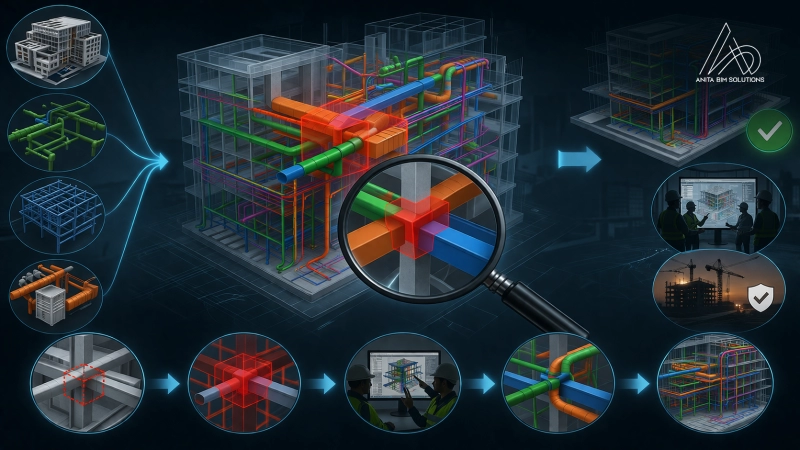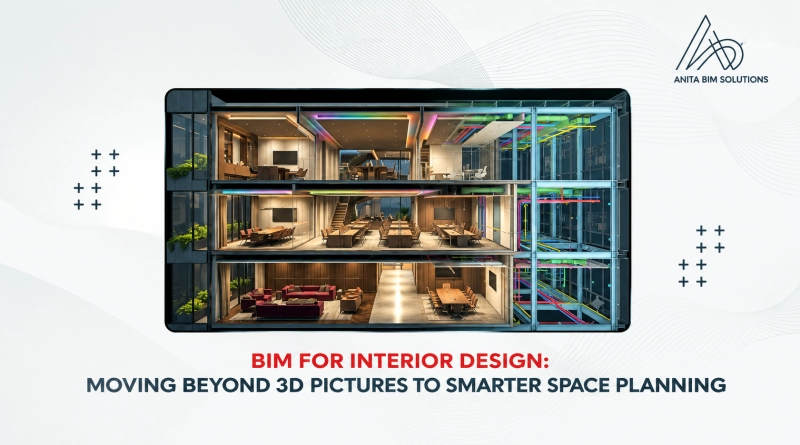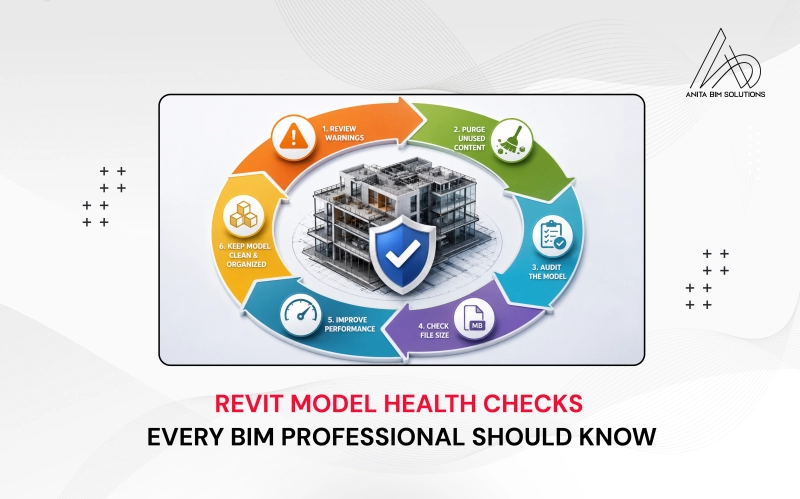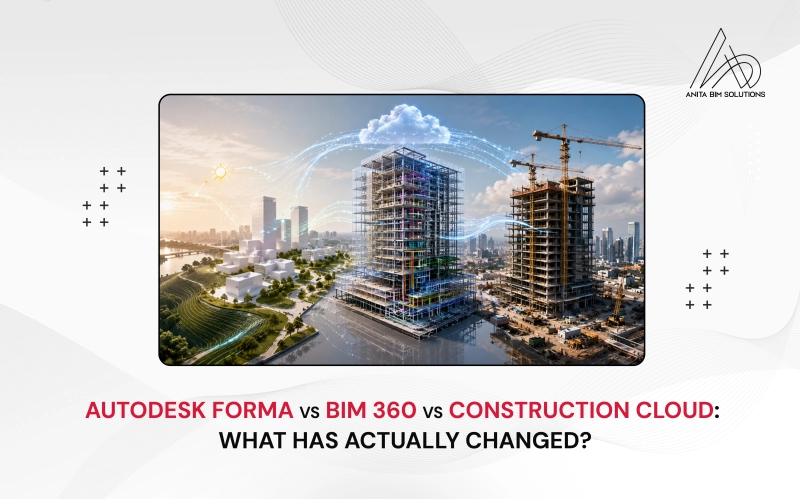

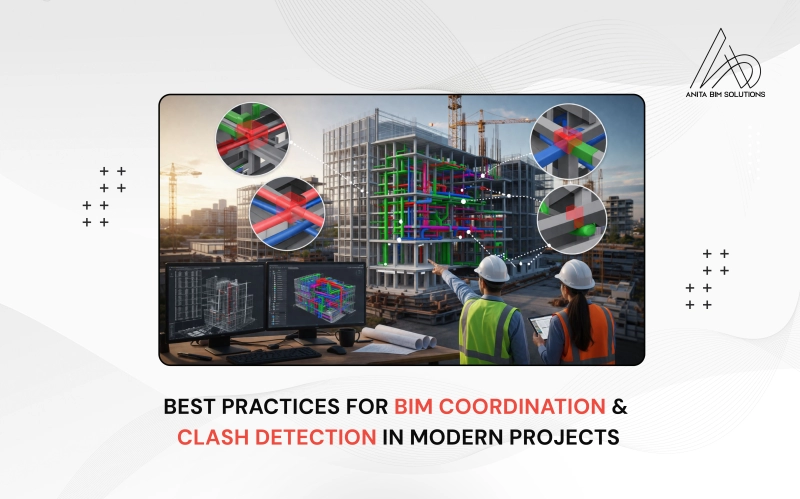
BIM coordination and clash detection have become essential components of modern design and construction, helping teams spot conflicts before they reach the site. As projects grow in complexity, simply relying on disconnected 2D drawings and individual discipline models is no longer enough. Instead, teams use Building Information Modeling to create a shared, intelligent environment where architectural, structural, and MEP systems come together, making spatial relationships, clearances, and constructability visible and testable. When done well, coordination and clash detection reduce rework, prevent costly delays, and support smoother handover between design and construction.
This article outlines best practices for BIM coordination and clash detection, focusing on practical workflows, tool usage, and model review techniques that support efficient project delivery. It is aimed at BIM managers, coordinators, and design professionals who want to move beyond ad hoc checks and embed structured coordination into everyday project processes. From model setup and standards to clash analysis, issue tracking, and model validation, the goal is to show how thoughtful coordination can become a repeatable, value-driven part of the project lifecycle.
What is BIM Coordination
BIM coordination is the process of combining models from different disciplines into a single coordinated environment. This allows teams to review how architectural, structural, and MEP elements interact within the same space.
Instead of working in isolation, each team contributes to a shared understanding of the project. This helps avoid conflicts such as ducts passing through beams or pipes clashing with walls.
Effective coordination improves communication, ensures design consistency, and supports better decision-making throughout the project lifecycle.
Understanding Clash Detection
Clash detection is a key part of BIM coordination. It involves identifying conflicts between different building elements within the model.
These clashes can be grouped into three main types:
- Hard clashes occur when two elements occupy the same physical space
- Soft clashes happen when elements violate required clearances or tolerances
- Workflow clashes relate to scheduling or sequencing conflicts
By identifying these issues early in the design stage, teams can resolve them before they impact construction.
Common Tools Used for Coordination and Clash Detection
Several BIM tools are widely used to support coordination and clash detection processes:
- Autodesk Navisworks for model aggregation and clash detection
- Solibri for rule-based checking and quality control
- Autodesk Construction Cloud (ACC) for cloud-based collaboration and issue tracking
- Revit for discipline-specific modeling and coordination
These tools help teams visualize conflicts, assign responsibilities, and track issue resolution efficiently.