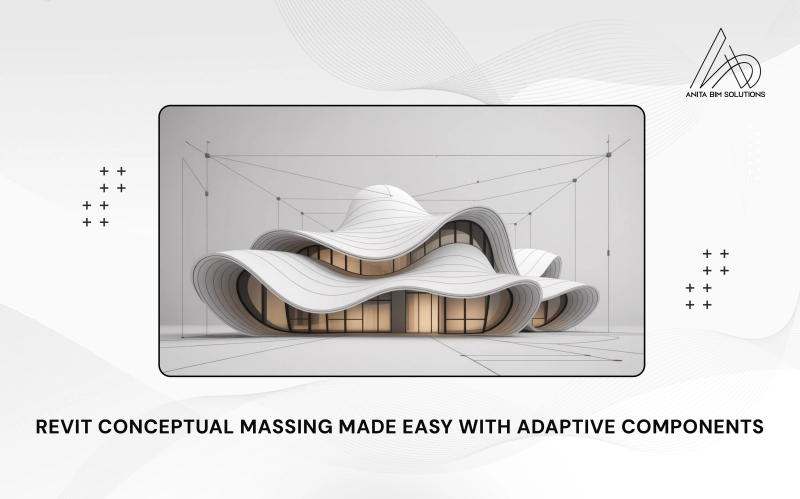
Adaptive Components and Conceptual Massing in Revit are powerful tools that help architects and designers create unique and complex building shapes. Conceptual massing lets you build simple 3D forms to represent your design ideas quickly, while adaptive components are flexible building parts that change shape and position to fit on these forms. Together, they allow you to design curved facades, flowing roofs, and patterned panels that match the building's shape perfectly.
This combination makes it easier to move from early design sketches to detailed, buildable models. By using adaptive components on conceptual masses, you can create intricate and custom elements that automatically adjust as the design changes. This blog will explain how to use these features step-by-step, helping you bring creative ideas to life efficiently in Revit.
What Are Adaptive Components?
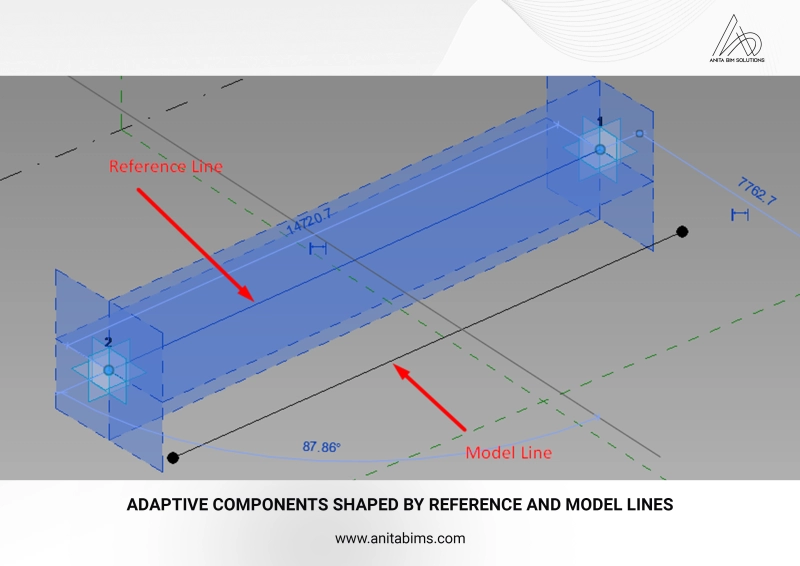
Adaptive components in Revit are special parametric families designed to flexibly adapt to multiple positions defined by adaptive points. Unlike regular families, which have fixed insertion points and rigid geometry, adaptive components can be placed at various points on hosts such as divided surfaces and edges, allowing them to stretch, tilt, or rotate based on host geometry. These adaptive points act as control nodes for the component’s shape and location.
There are two common types of adaptive family templates:
- Metric Generic Model Adaptive.rft: For individual adaptive components placed on adaptive points.
- Metric Generic Model Pattern Based.rft: For creating repeating patterns of adaptive components on surfaces.
Parameters within these families control dimensions, rotations, and visibility, enabling designers to customize each instance while maintaining overall parametric control. This flexibility makes adaptive components ideal for panels, structural grids, railing systems, and other elements requiring non-uniform placement.
Understanding Conceptual Massing in Revit
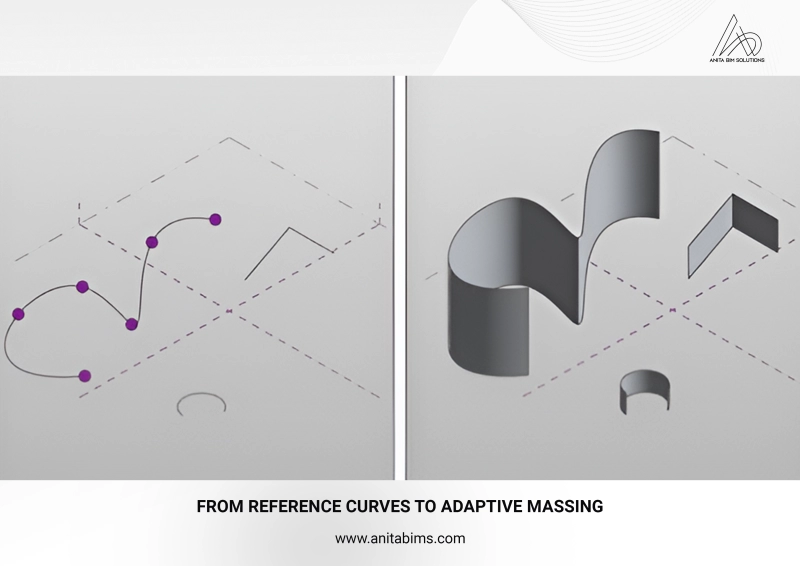
Conceptual massing is a Revit environment used to create preliminary building shapes and forms visually and spatially before detailed modeling begins. You can build masses using reference planes, splines, lofts, extrusions, and sweeps. The mass serves as the host geometry where adaptive components can be placed, transforming abstract forms into practical, repeatable building parts.
Key features of conceptual massing include:
- Divide Surface Tool: Enables the division of mass faces into grids with specified U (horizontal) and V (vertical) counts. This division creates points or segments where adaptive components can host.
- Surface Representation Options: Control visibility to display the mass as a solid, surface, or transparent, helpful when checking alignments or placing families.
- Conceptual masses are loaded into the main project file, where they act as hosts for adaptive components, bridging early concept design with detailed constructible elements.